Verify Before You Share: Why Nigerians Must Check Images and Videos Before Dissemination

By Eniola Amadu
Insecurity in Nigeria is currently at its crescendo. News reports of attacks, banditry, and kidnapping, among others, dominate the media space. In view of this, emotions indeed are high, as citizens now tend to move in chronic and palpable fear, not knowing what will happen next and where.
In spite of this, beyond verified news reports, social media, which lacks gatekeeping, has been used to disseminate various forms of information. This is particularly true regarding insecurity, due to the fact that it is a trending issue and a matter of utmost concern in the country at the moment.
It is therefore pertinent to note that the reports, videos, forwarded messages, and images—currently in circulation, particularly as a result of the minimal gatekeeping effect on social media, are to be received and approached with skepticism.
This creates the need for media literacy for all to cushion the effect of information disorder, and likewise, protect citizens from unnecessary fear through the verification of any information received, no matter the format.
The need to know this is to prevent and reduce public panic and chaos, avoid legal trouble, and to not be ignorant of political manipulation.
Information Verification Tools for Videos and Images:
Media users should build the urge to always critically watch any video that comes their way under the guise of a news report. The user should check the quality of the video and look to spot any odd display. If it includes speech, is the audio synced with the speaker’s lips? These are what the eyes should check to ascertain the authenticity of a video. The same goes for images too.
Google Lens: Google has to a large extent made video and image verification easy through Google Lens for a Google reverse image search. Media users can easily verify and trace back the origin of a video or image.
To do this, users should:
- Take a screenshot of various parts of the video and attach it to Google Lens for a reverse image search. To access Google Lens through Google Photos, click on the three dots at the right-hand side of the image and select Google Lens. It will reveal various similar images to check the recency and authenticity of the media.
One can access Google Lens through Chrome too by clicking on the Google Lens logo at the right-hand side of the search bar.
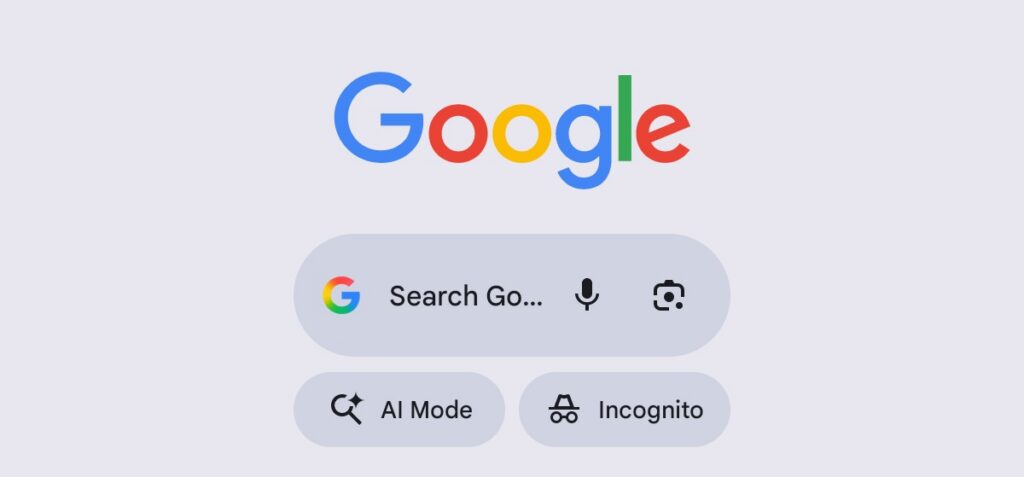
Following this, users should then follow up on the dates and sources to compare its recency. Other Reverse Search Tools. Other tools that can also be used include TinEye and Yandex.
Check with Credible Nigerian Media: Another way a user can verify is to check if credible media outlets published such news. If a major incident happened, reputable Nigerian news outlets like Channels TV, Premium Times, The Guardian, and TheCable will report it. Users can also check fact-checking organizations like FactCheckAfrica, Dubawa, or FactCheckHub to see if it has been debunked.
Check the Date, Source, and Location: Oftentimes, old images and videos resurface online, and information disorder agents utilize them using captions to portray recency.
The need to check the location where the video was shot is also important. This is because videos recorded in other countries, particularly African countries, can be used to depict a reality in the country.
Also, initiatives like MyAIFactChecker have been developed for the purpose of combatting information disorder in the society, it is therefore at the perusal of the community at large to use it to verify information they come across.